ตั้งค่าบริการSet up your service
ใส่รายละเอียด รูป ราคา และวันที่เปิดรับจอง เริ่มจากที่พักหนึ่งแห่งก่อนก็ได้Add details, photos, prices and available dates. You can begin with one property.

เริ่มจากบริการที่คุณเปิดจอง แล้วให้ลูกค้าเลือกวันผ่านหน้าจองของคุณ เมื่อมีรายการเข้ามา คุณตรวจสอบและยืนยันในระบบหลังบ้านSet up the service you offer, share your booking page, then review and confirm each request in your admin dashboard.
ดูตัวอย่างหน้าจองExplore the demo booking pageใส่รายละเอียด รูป ราคา และวันที่เปิดรับจอง เริ่มจากที่พักหนึ่งแห่งก่อนก็ได้Add details, photos, prices and available dates. You can begin with one property.
ส่งให้ลูกค้าในแชต หรือวางไว้บนช่องทางที่ลูกค้าใช้ติดต่อคุณอยู่แล้วSend it in chat or add it to the channels your customers already use.
ลูกค้าดูบริการ เลือกวันที่ต้องการ กรอกข้อมูล และทำตามขั้นตอนการชำระเงินที่แสดงCustomers view the service, choose dates, enter details and follow the displayed payment steps.
เปิดรายการจอง ตรวจสอบข้อมูลและหลักฐานการชำระเงิน แล้วเปลี่ยนสถานะในระบบหลังบ้านReview the request and payment evidence, then update its status in the admin dashboard.
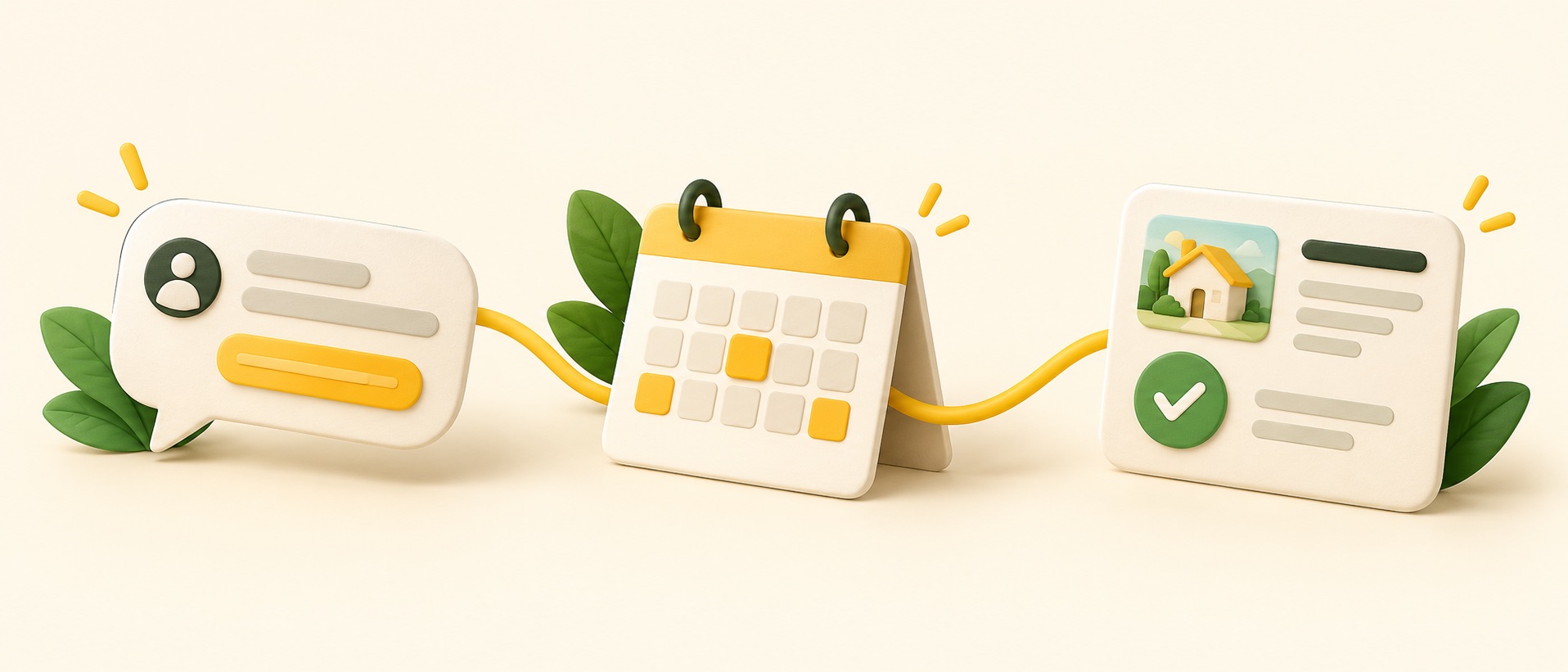
ภาพประกอบนี้สรุปว่าใครทำอะไร ตั้งแต่ลูกค้าเปิดลิงก์และเลือกวัน จนถึงเจ้าของตรวจสอบคำขอThis illustration shows who does what, from opening a link and choosing dates to the owner reviewing a request.
ลองเปิดหน้าจองตัวอย่าง →Open the demo booking page →